TanzuOnAzure
The bootstrap virtual machine that I utilised for the deploy of the TKG cluster was the market place Ubuntu 22.04 LTS image. Once deployed, I performed the following steps to prepare the virtual machine for the TKG deployment.
- Installation of Azure CLI
- Installation of Docker Engine
- Installation of Tanzu CLI
- Installation of Tanzu CLI Plugins for TKG v2.4
- Installation of Kubernetes CLI
Installation of Azure CLI
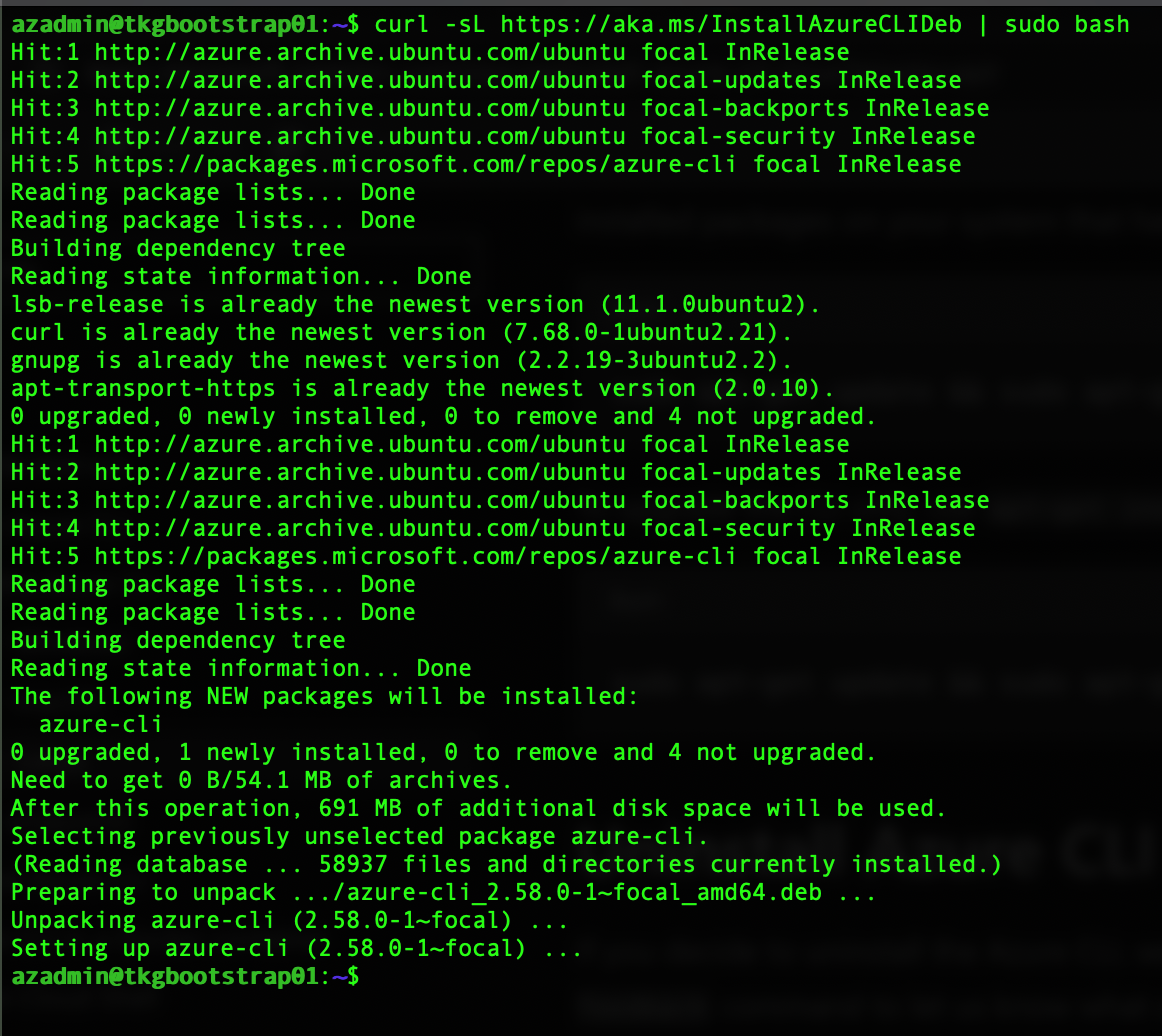
To install the Azure Cli onto the bootstrap virtual machine, execute the following command.
curl -sL https://aka.ms/InstallAzureCLIDeb | sudo bash
References
Installation of Docker Engine
Step 1: Add Docker's official GPG key
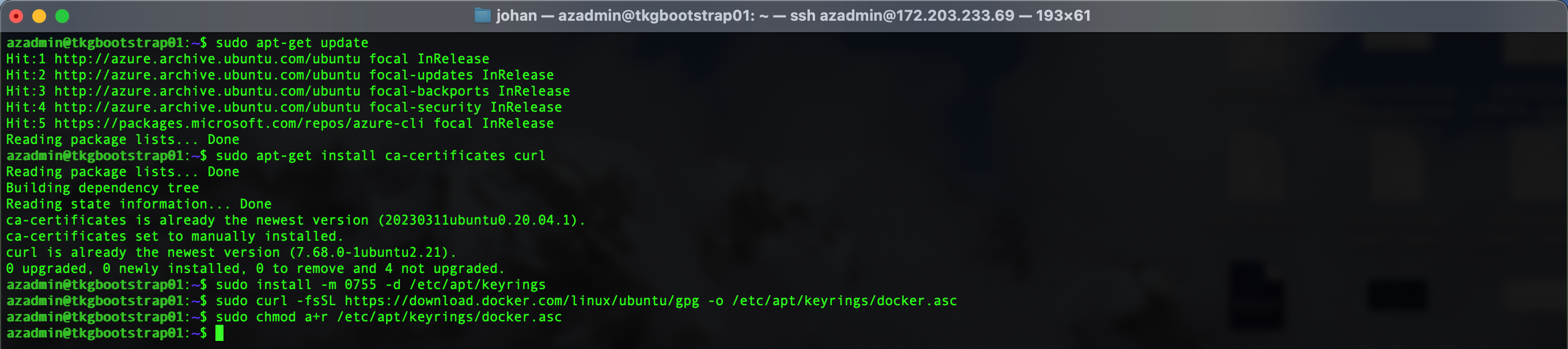
sudo apt-get update
sudo apt-get install ca-certificates curl
sudo install -m 0755 -d /etc/apt/keyrings
sudo curl -fsSL https://download.docker.com/linux/ubuntu/gpg -o /etc/apt/keyrings/docker.asc
sudo chmod a+r /etc/apt/keyrings/docker.asc
Step 2: Add the Docker repository to Apt sources
echo \
  "deb [arch=$(dpkg --print-architecture) signed-by=/etc/apt/keyrings/docker.asc] https://download.docker.com/linux/ubuntu \
  $(. /etc/os-release && echo "$VERSION_CODENAME") stable" | \
  sudo tee /etc/apt/sources.list.d/docker.list > /dev/null
sudo apt-get update

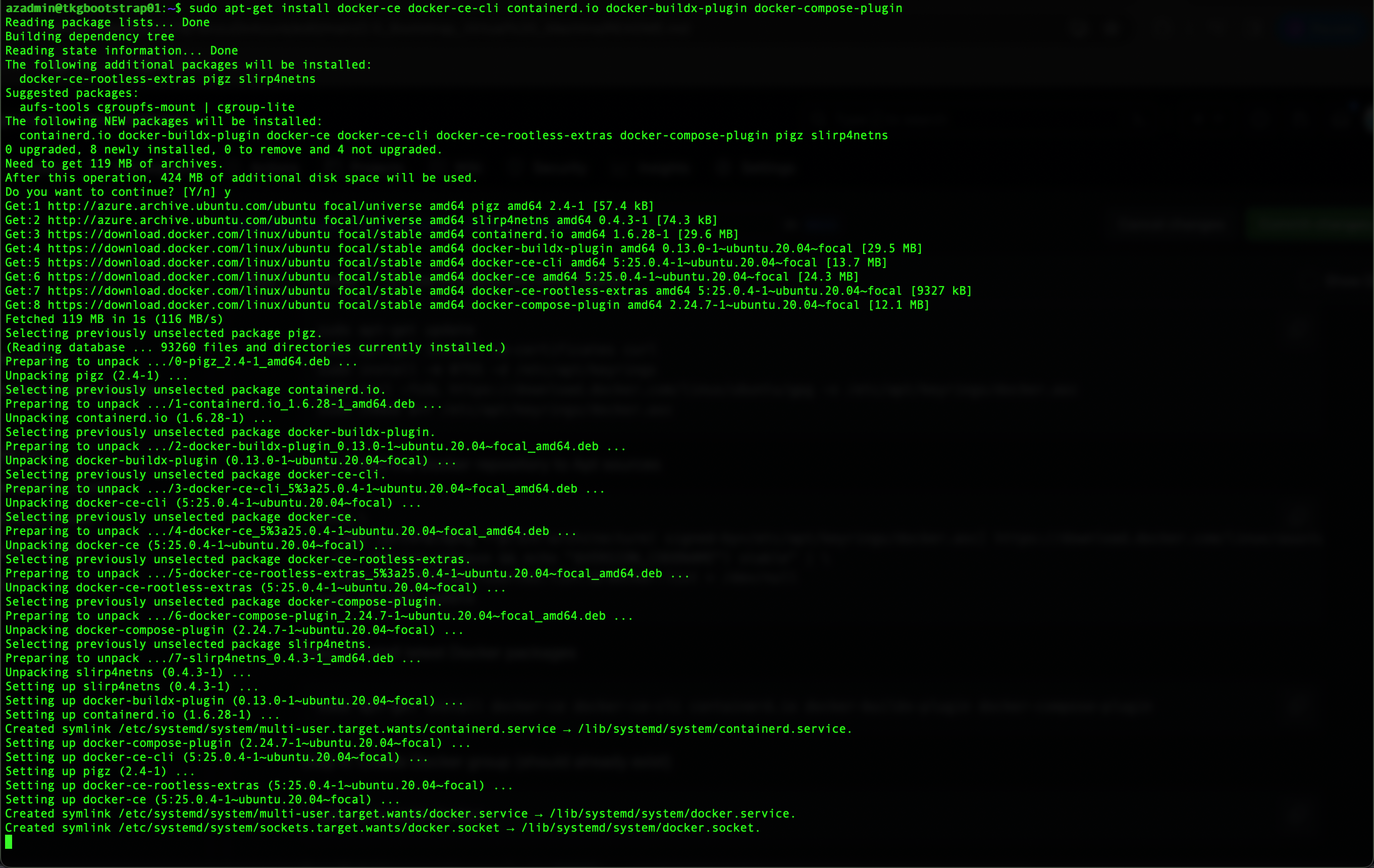
Step 3: Install latest Docker packages
sudo apt-get install docker-ce docker-ce-cli containerd.io docker-buildx-plugin docker-compose-plugin
Step 4: Create Docker group (should already exist)
sudo groupadd docker

Step 5: Add current user to Docker group
sudo usermod -aG docker $USER

Step 6: Activate changes to the group
newgrp docker

Step 7: Run Docker PS
To validate that Docker can be run with the current user, execute the following command.
docker ps

References
- https://docs.docker.com/engine/install/ubuntu/
- https://docs.docker.com/engine/install/linux-postinstall/
Installation of Tanzu CLI
As per the Tanzu CLI Product Interoperability Matrix only Tanzu CLI 1.0.0 and 1.1.0 are supported for TKG 2.4.1.
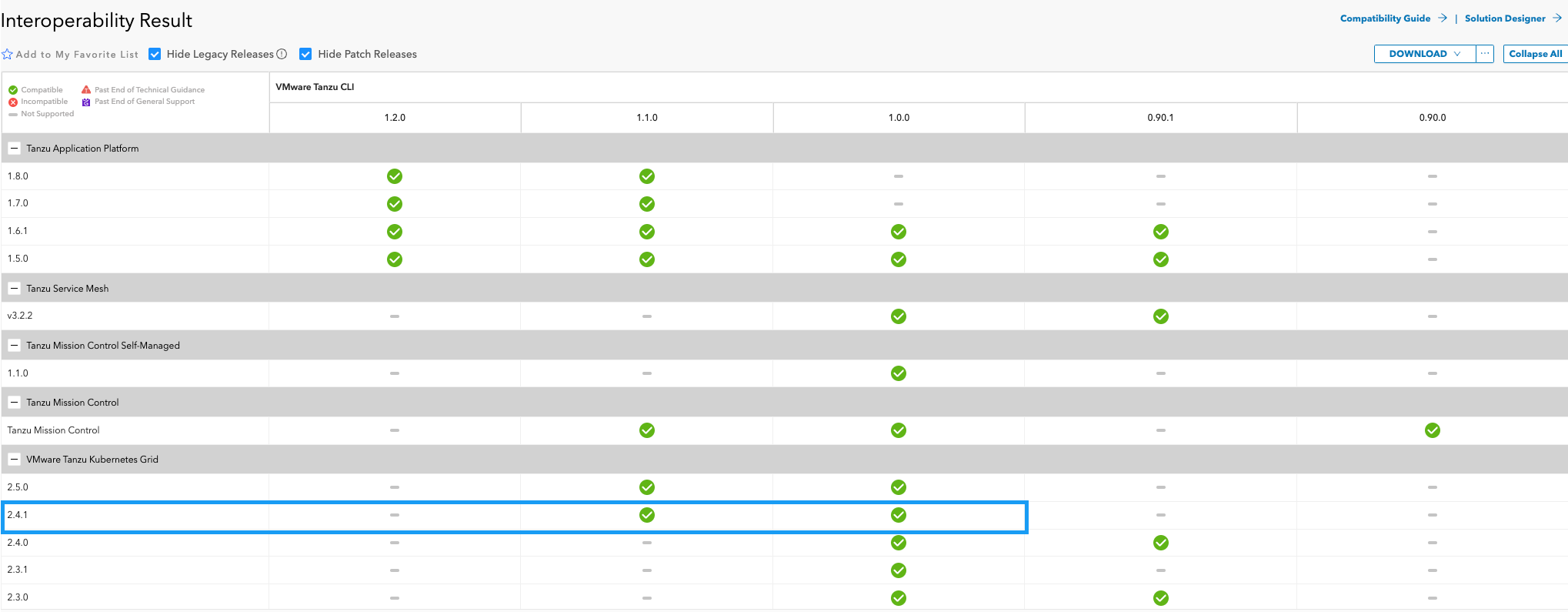
[!WARNING] If you follow the below instructions, this will install the latest Tanzu CLI (1.2.0) which may cause issues.
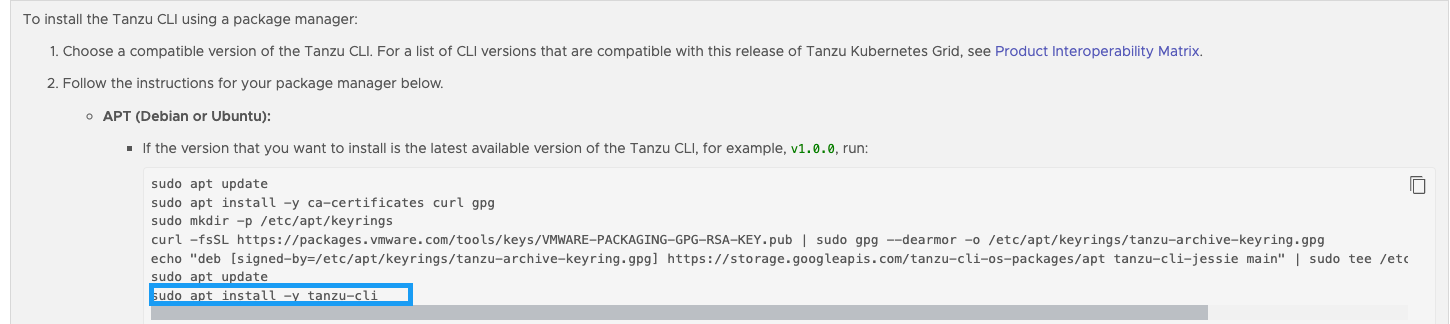
Follow the below steps to install the supported Tanzu CLI version.
Step 1: Install Tanzu CLI
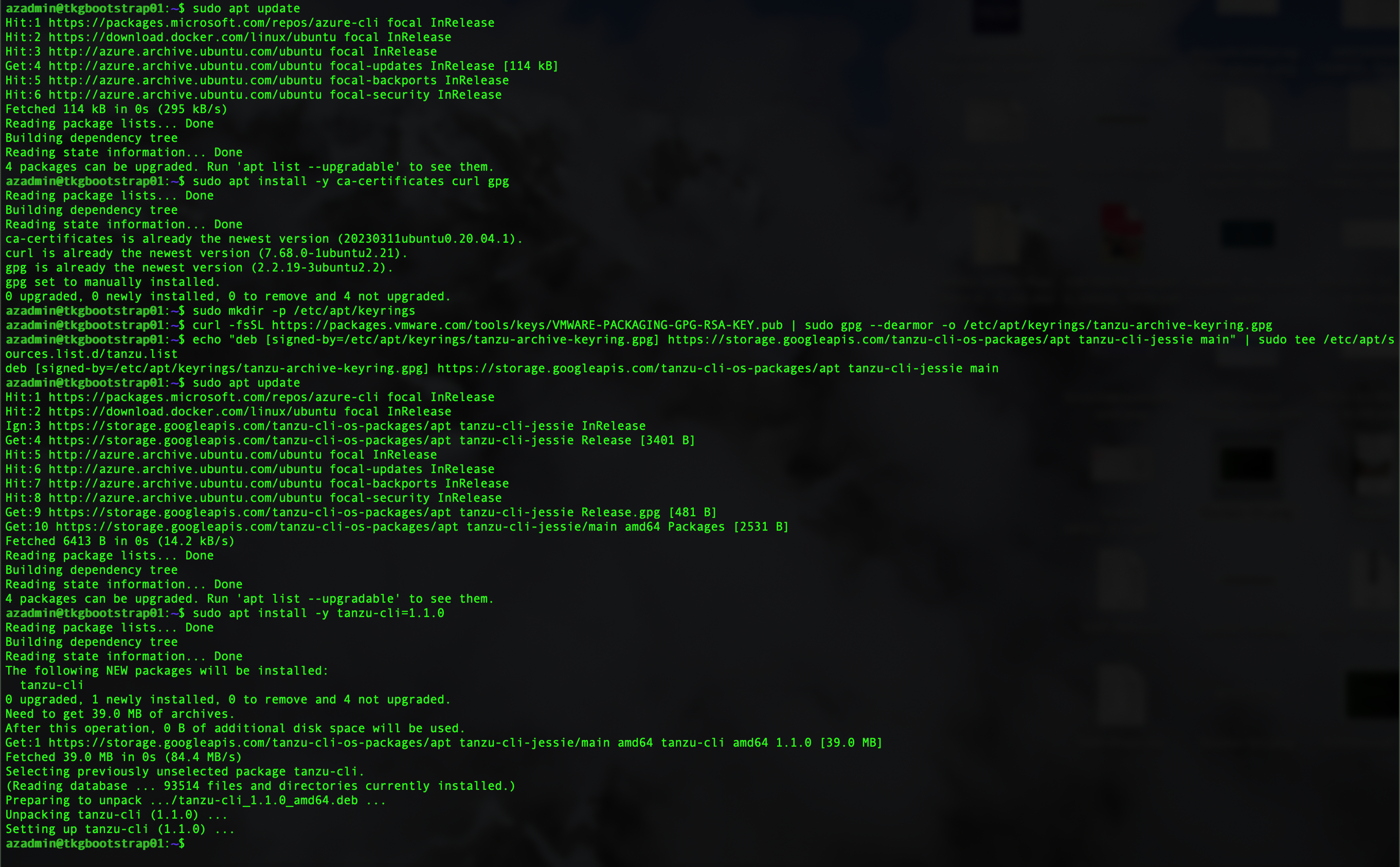
To install Tanzu CLI 1.1.0 run the following commands.
sudo apt update
sudo apt install -y ca-certificates curl gpg
sudo mkdir -p /etc/apt/keyrings
curl -fsSL https://packages.vmware.com/tools/keys/VMWARE-PACKAGING-GPG-RSA-KEY.pub | sudo gpg --dearmor -o /etc/apt/keyrings/tanzu-archive-keyring.gpg
echo "deb [signed-by=/etc/apt/keyrings/tanzu-archive-keyring.gpg] https://storage.googleapis.com/tanzu-cli-os-packages/apt tanzu-cli-jessie main" | sudo tee /etc/apt/sources.list.d/tanzu.list
sudo apt update
sudo apt install -y tanzu-cli=1.1.0
Step 2: Validate version
To validate that the correct version of the Tanzu CLI has been installed, execute the following command.
tanzu version

Installation of Tanzu CLI Plugins for TKG v2.4
Step 1:
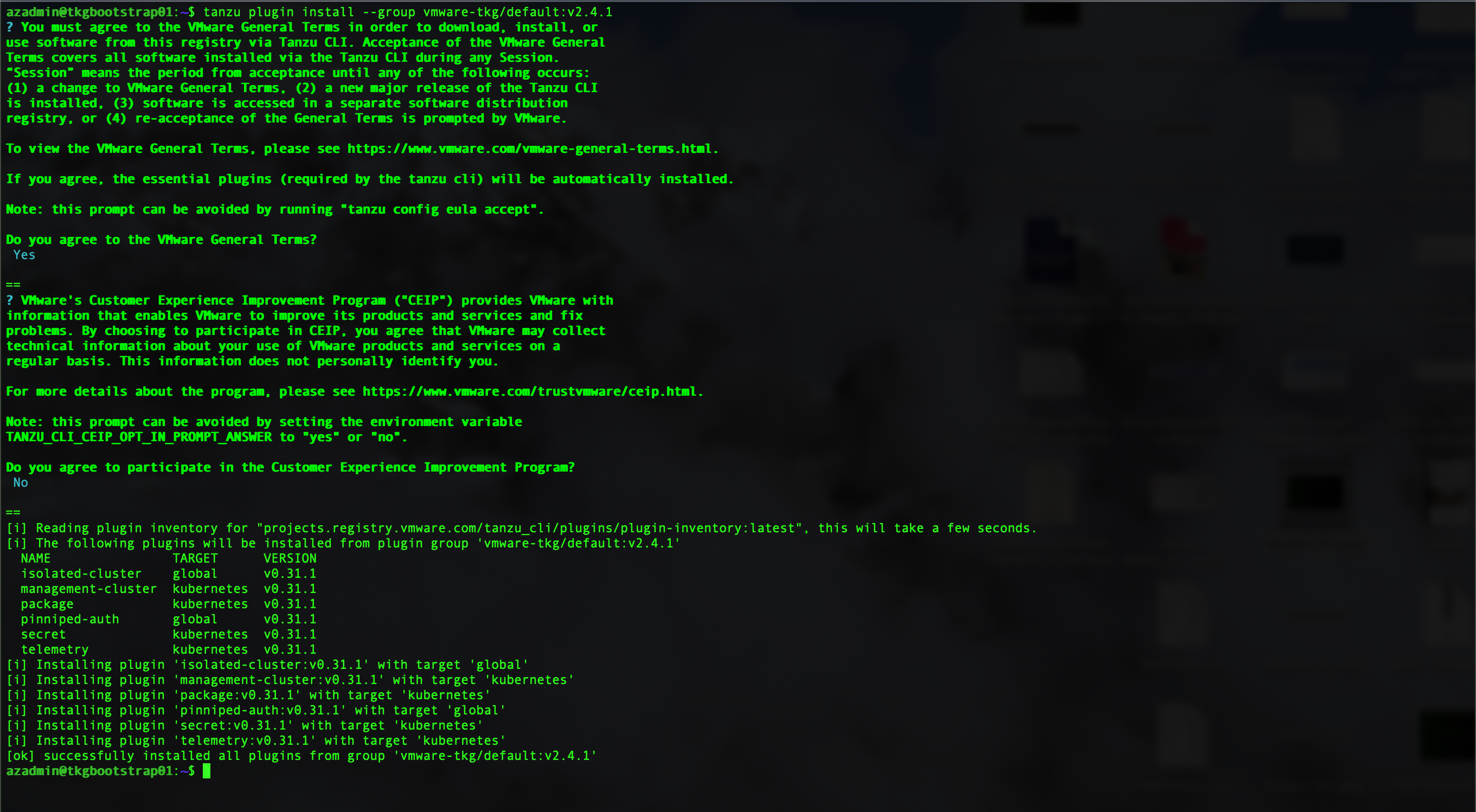
tanzu plugin install --group vmware-tkg/default:v2.4.1
Step 2:
To validate the plugin list, execute the following command.
tanzu plugin list

Installation of Kubernetes CLI
Step 1: Download kubectl from VMware Product Downloads
Browse to Tanzu Kubernetes Grid v2.4.1 Product Downloads and download the kubectl-linux-v1.27.5+vmware.1.gz file.
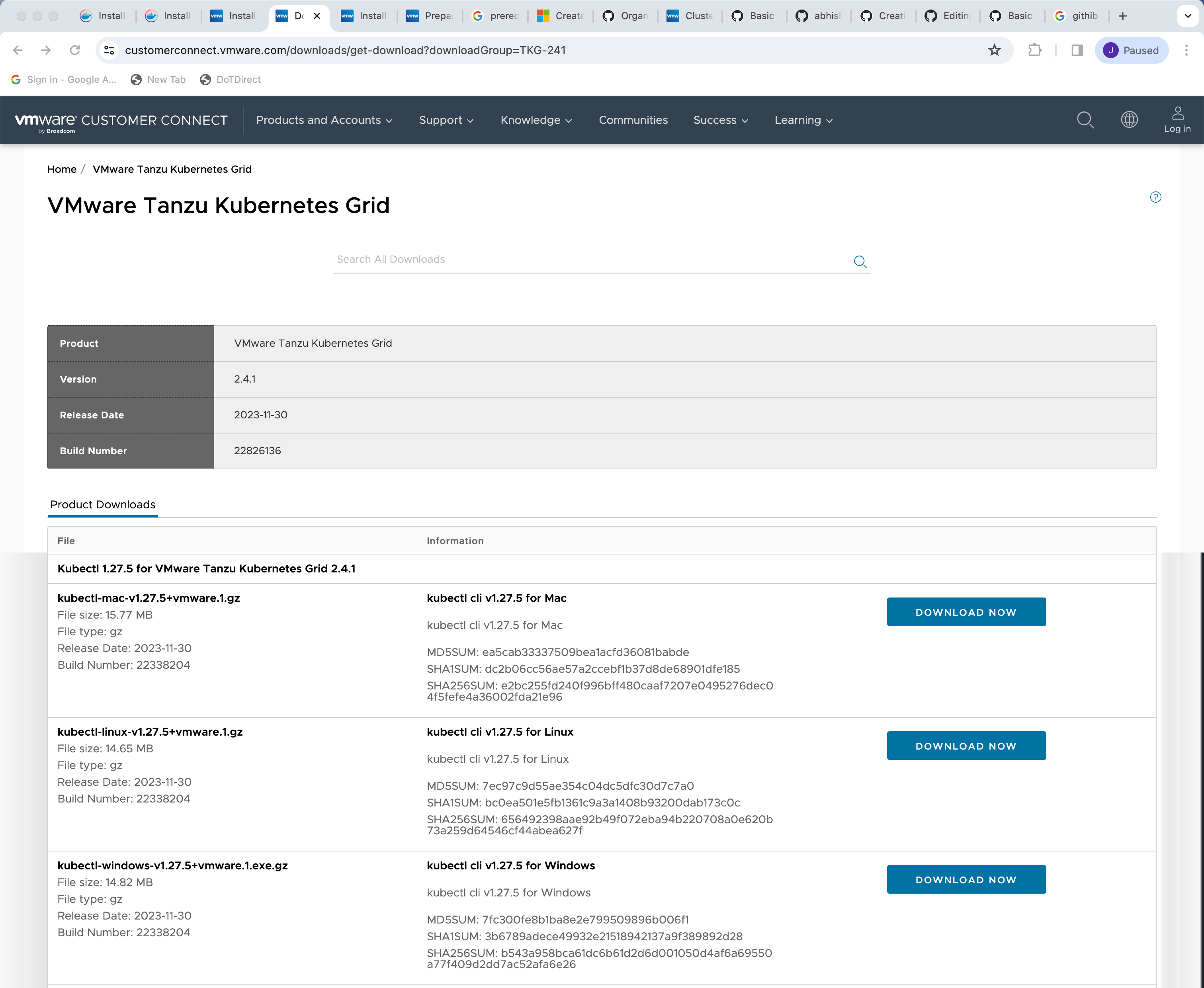
Once downloaded, tranfer the file to the bootstrap virtual machine

Step 2: Unpack kubectl binary
gunzip kubectl-linux-v1.27.5+vmware.1.gz

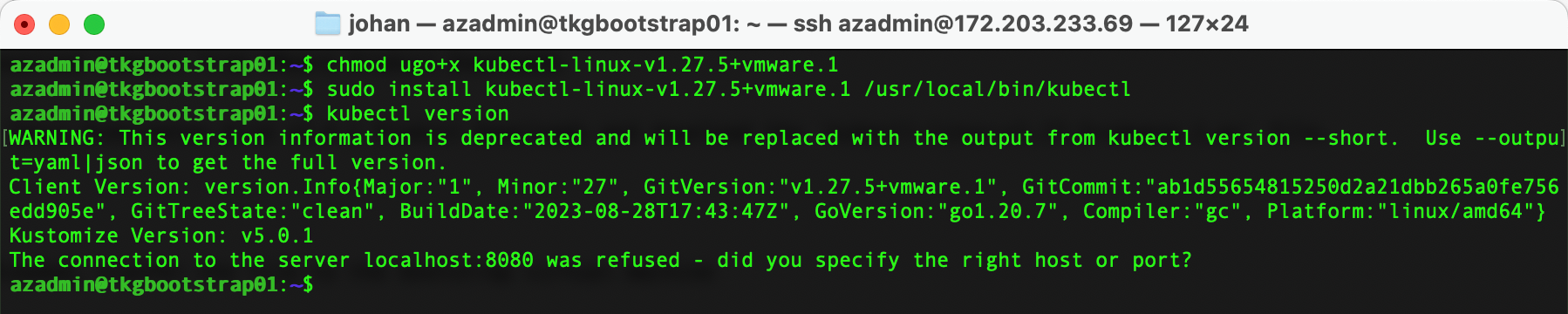
Step 3: CLI available to the system
chmod ugo+x kubectl-linux-v1.27.5+vmware.1
sudo install kubectl-linux-v1.27.5+vmware.1 /usr/local/bin/kubectl
kubectl version